What Is a Cloud Phone? Everything You Should Know in 2026
A cloud phone is a virtual Android device that runs on a remote server instead of on hardware in your hand. You see and control it through a streaming client on a computer, tablet, or another phone, while the operating system, apps, storage, and processing all happen in a data center. It looks and behaves like a normal Android phone, but there is no physical device on your desk.
This guide covers how cloud phones actually work, the main ways people use them, how they compare to Android emulators, what the leading providers offer, and the practical, legal, and security trade-offs worth knowing before you rent one.
What Is a Cloud Phone?
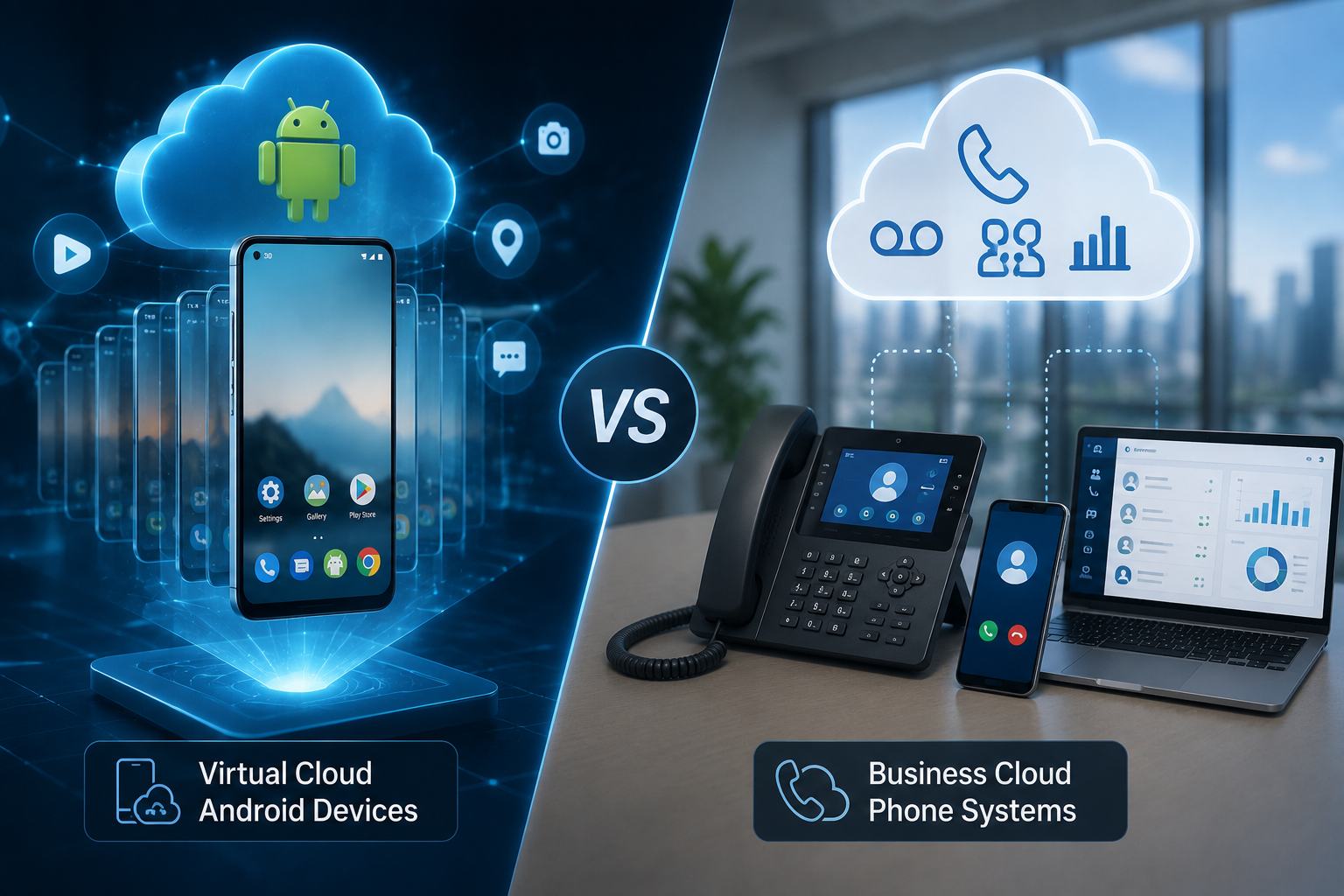
A cloud phone (sometimes called a “virtual Android device” or “Android in the Cloud”) is a smartphone environment that is provisioned, run, and stored entirely on a cloud provider’s infrastructure rather than on a physical handset. Instead of buying a device, you rent a virtual instance that runs a real or near-real Android operating system on server-side hardware, and you interact with it remotely through a video/input stream, similar to remote desktop software.
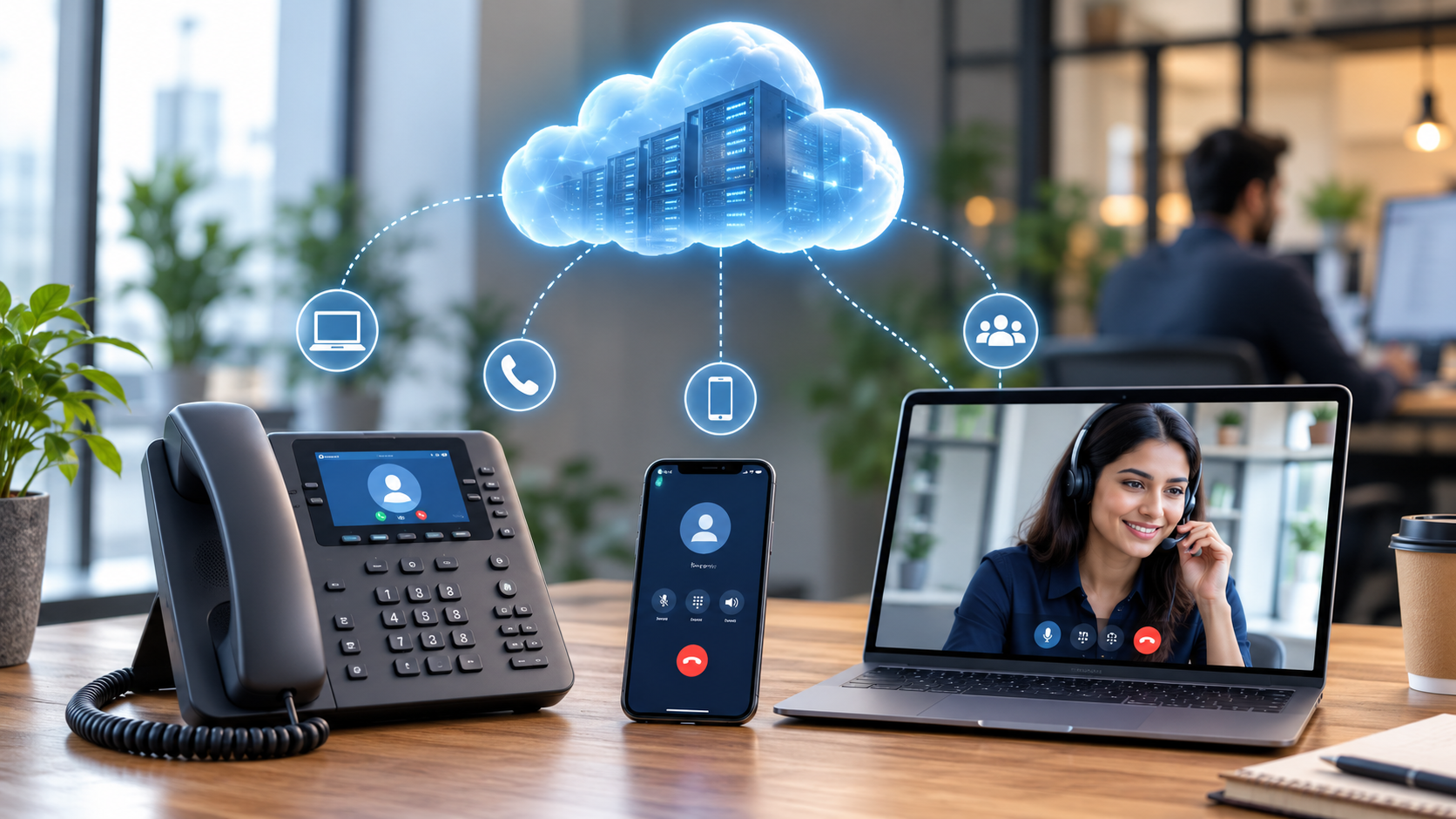
This is distinct from a “cloud-based phone system,” which refers to internet-hosted business calling/VoIP platforms (like a hosted PBX). This article is about the virtual-device meaning of “cloud phone.”
Providers such as Alibaba Cloud describe their Cloud Phone product as running virtual Android phones on Arm-based cloud servers, with users remotely controlling the Android system and apps in real time through streaming from a computer, phone, or other client.
How Cloud Phones Work
A cloud phone stack generally has four layers:
- Physical/virtualized hardware layer. Providers run banks of ARM-architecture servers (rather than x86), because ARM matches the chip architecture used in real smartphones. Alibaba Cloud, for example, uses its own Arm-based server chips and a custom hypervisor (SHENLONG) to host large numbers of virtual Android instances per physical host.
- Android OS layer. Each instance runs a customized, cloud-optimized build of Android — Alibaba Cloud’s Cloud Phone runs on Android 12, for instance — with application sandboxing so that instances stay isolated from one another.
- Streaming layer. Video, audio, and control input travel between the server and your client device over a low-latency streaming protocol. Alibaba Cloud calls its version the Adaptive Streaming Protocol (ASP). Because everything is streamed, the responsiveness of a cloud phone depends heavily on your internet connection quality and the distance to the provider’s nearest data center.
- Management/API layer. A web console, desktop client, or mobile app lets you start, stop, reset, and batch-manage many instances at once, often with REST APIs and SDKs for automation.
The result: the actual computation (app execution, rendering, storage I/O) happens on the server; your local device is mostly a thin display-and-input terminal.
Cloud Phone vs. Android Emulator: What’s the Difference?
The two are often confused, but the underlying technology differs:
- Android emulators (BlueStacks, LDPlayer, NoxPlayer, Android Studio’s emulator) are software that translates ARM-based Android instructions to run on your local x86 computer. This translation adds performance overhead and leaves detectable fingerprints (x86 CPU signatures, placeholder IMEIs, emulator-specific system files) that apps and anti-fraud systems can identify.
- Cloud phones run on real ARM server hardware in a data center, executing native Android instructions rather than translating them. This generally gives closer-to-authentic performance and device behavior, and it offloads local CPU/RAM/battery/heat entirely — your laptop or phone just displays a video stream.
Some providers (e.g., GeeLark) go a step further and run instances on genuine Android device hardware in the cloud rather than virtualized instances, aiming for stronger hardware-identity authenticity such as real IMEIs.
What Are Cloud Phones Used For?
App development and QA testing. Cloud phones let development teams test apps across many Android versions, screen sizes, and regions without maintaining a physical device lab. Enterprise device-testing services like AWS Device Farm and BrowserStack apply this same cloud-device model to automated and manual app testing.
Cloud gaming. Because the graphics-intensive processing runs on a server GPU, cloud phones can stream mobile games to lower-spec devices, letting a modest phone or laptop play demanding titles. Alibaba Cloud markets this as a “download-free” trial experience for game publishers and players.
Multi-account and social media management. This is one of the most common consumer/business use cases today. Marketing teams, agencies, and e-commerce sellers use cloud phones to run many separate Android environments — each with its own isolated storage, IP address, and device fingerprint — to manage multiple accounts on platforms like TikTok, Instagram, Facebook, and WhatsApp from one dashboard, rather than juggling a physical “phone farm.”
Live streaming and content operations. Cloud phones support 24/7 unattended streaming, virtual-human/VTuber broadcasting, and multi-device simulcasting for live-streaming agencies and individual creators.
Enterprise mobile office / BYOD alternatives. Customer service reps and remote staff can access a company-controlled virtual Android device (with corporate apps and data) from any personal device, without the company issuing or securing physical hardware.
Personal privacy and identity separation. Individuals use cloud phones to keep work and personal accounts, or region-specific accounts, in fully separate, disposable environments that can be reset or destroyed at will.
Popular Cloud Phone Providers
| Category | Providers | Typical Focus |
|---|---|---|
| Enterprise / hyperscale cloud | Alibaba Cloud Phone, AWS Device Farm | Large-scale app testing, gaming infrastructure, enterprise mobile office |
| Multi-account & social media operations | GeeLark, VMOS Cloud, Redfinger, DuoPlus, MoreLogin, BitBrowser, Multilogin | Device-fingerprint isolation, automation, proxy integration for marketing/e-commerce teams |
| App testing (device-cloud) | BrowserStack, Genymotion, AWS Device Farm | On-demand real/virtual device access for QA and CI pipelines |
Pricing varies a great deal by use case. Consumer/marketing-oriented cloud phone instances are commonly advertised in roughly the $4–$20 per instance per month range depending on specs and volume, while enterprise device-testing platforms like AWS Device Farm price around $200+/month for unlimited testing plans or roughly $0.17 per device-minute on pay-as-you-go plans. Always confirm current pricing directly with the provider, as plans change frequently.
Benefits of Cloud Phones
- No hardware to buy or maintain. You avoid the upfront cost, storage, cooling, and physical security concerns of running racks of real phones.
- Instant scalability. New instances can be provisioned in minutes and released when no longer needed, which suits campaigns, testing sprints, or seasonal workloads.
- Access from anywhere. Because everything is streamed, you can reach the same virtual phone from a laptop at home, an office desktop, or another mobile device.
- Centralized management. Console-based batch operations, permissions, and activity logs make it easier to govern many devices at once compared with a room full of physical handsets.
- Reduced local resource strain. Battery drain, heat, and storage limits of physical phones aren’t a factor, since processing happens server-side.
Limitations and Risks
- Network dependency. Performance is directly tied to your internet connection and latency to the data center; a poor connection makes a cloud phone feel sluggish or unusable.
- Platform detection and ban risk. Social platforms increasingly use device-fingerprinting, IP analysis, and behavioral signals to detect coordinated or automated multi-account activity. Meta’s Community Standards prohibit posting or engaging “at very high frequencies,” whether manual or automated, and X’s authenticity policy bars operating fake, non-transparent, or mass-registered accounts and unauthorized automation. Using a cloud phone does not exempt an account from these rules, and providers themselves note that virtualization signatures can still be detected by platform classifiers.
- App and DRM compatibility. Some apps use hardware attestation or DRM checks that behave differently — or refuse to run — on virtualized devices. Google Mobile Services availability can also vary by region and provider.
- Ongoing subscription cost. Unlike a one-time device purchase, cloud phones are a recurring expense that scales with the number of instances you run.
- Data governance. Because your data and app activity live on a third-party’s servers, it’s worth checking a provider’s data-handling, encryption, and jurisdiction policies before running sensitive workflows.
Legal and Policy Considerations
Cloud phones themselves are legal general-purpose computing tools, comparable to a rented virtual machine. The legal and policy risk comes from what you do with them. Most major platforms allow legitimate multi-account use (e.g., a personal and a business account, or an agency managing verified client accounts) but explicitly prohibit fake, mass-registered, or coordinated inauthentic accounts, and place limits on automation:
- Meta restricts posting, sharing, or engaging “at very high frequencies,” whether done manually or by automation, under its spam policy.
- X (Twitter) requires that accounts be authentic and transparent, and separately prohibits unauthorized automation and platform manipulation.
- TikTok and Instagram both enforce action against accounts using unauthorized third-party automation tools or exhibiting coordinated, bot-like behavior.
Before using cloud phones for account or marketing operations at scale, it’s worth reviewing the specific terms of service of each platform you plan to operate on, since enforcement (and definitions of “high frequency” or “coordinated behavior”) can change without notice.
How to Choose a Cloud Phone Provider
- Match the use case. App testing needs broad device/OS coverage (AWS Device Farm, BrowserStack, Genymotion); social/marketing operations need per-instance device-fingerprint isolation and proxy support (GeeLark, VMOS, Redfinger, DuoPlus); enterprise mobile office needs strong management, security certifications, and SLAs (Alibaba Cloud).
- Check uptime and persistence. Some providers offer always-on 24/7 instances (useful for AFK gaming or continuous automation); others bill per active minute.
- Look at data center locations. Latency and regional IP/content availability depend on how close the provider’s servers are to your target region.
- Review pricing structure. Compare per-instance monthly rates, pay-as-you-go per-minute rates, and any extra charges for bandwidth, proxies, or storage.
- Confirm compliance features. For business use, check encryption, access controls, audit logs, and any relevant security certifications the provider publishes.
Frequently Asked Questions
Is a cloud phone the same as a VPS or virtual machine?
Conceptually similar — both are remote virtualized computing resources you access over the internet — but a cloud phone specifically emulates a mobile (usually Android) device and OS, complete with mobile-specific sensors, app stores, and touch-based interaction, rather than a general-purpose desktop/server OS.
Do cloud phones work with iOS apps?
Most commercial cloud phone platforms are Android-based, since Android is open enough to virtualize and license at scale; genuine cloud-hosted iOS instances are far less common due to Apple’s hardware and licensing restrictions.
Can a cloud phone get an account banned?
The cloud phone itself doesn’t cause a ban — violating a platform’s terms of service (fake accounts, excessive automation, coordinated inauthentic behavior) does. Because platforms actively look for virtualization and fingerprint-sharing signals, poorly configured cloud phone use can still trigger enforcement.
Is it legal to use a cloud phone?
Yes — cloud phones are legitimate cloud computing services used widely for app testing, gaming, and enterprise mobility. Legality issues arise only from how the device is used (e.g., violating a specific platform’s terms or committing fraud), not from the technology itself.
Sources and Further Reading
- Alibaba Cloud, “What is Cloud Phone”
- Alibaba Cloud, “Cloud Phone – Virtual Phone Product Page”
- Alibaba Cloud Community, “Alibaba Cloud Cloud Phone: Virtual Mobile Infrastructure at Scale”
- The Register, “Alibaba Cloud brings chatty SaaS products out of China and into more markets”
- Multilogin, “Cloud Phone: What It Is and How It Works”
- Multilogin, “Best Android Cloud Phone Providers in 2026”
- GeeLark, “Phone Farm vs Cloud Phone: What’s the Better Choice in 2026?”
- AWS Device Farm listing, G2 Reviews and Pricing
- Meta, Community Standards — Spam
- X Help Center, “Authenticity policy”
- CNA, “Social Media Bots: Laws, Regulations, and Platform Policies”