

What Is a Business Cloud Phone System? Everything You Should Know in 2026
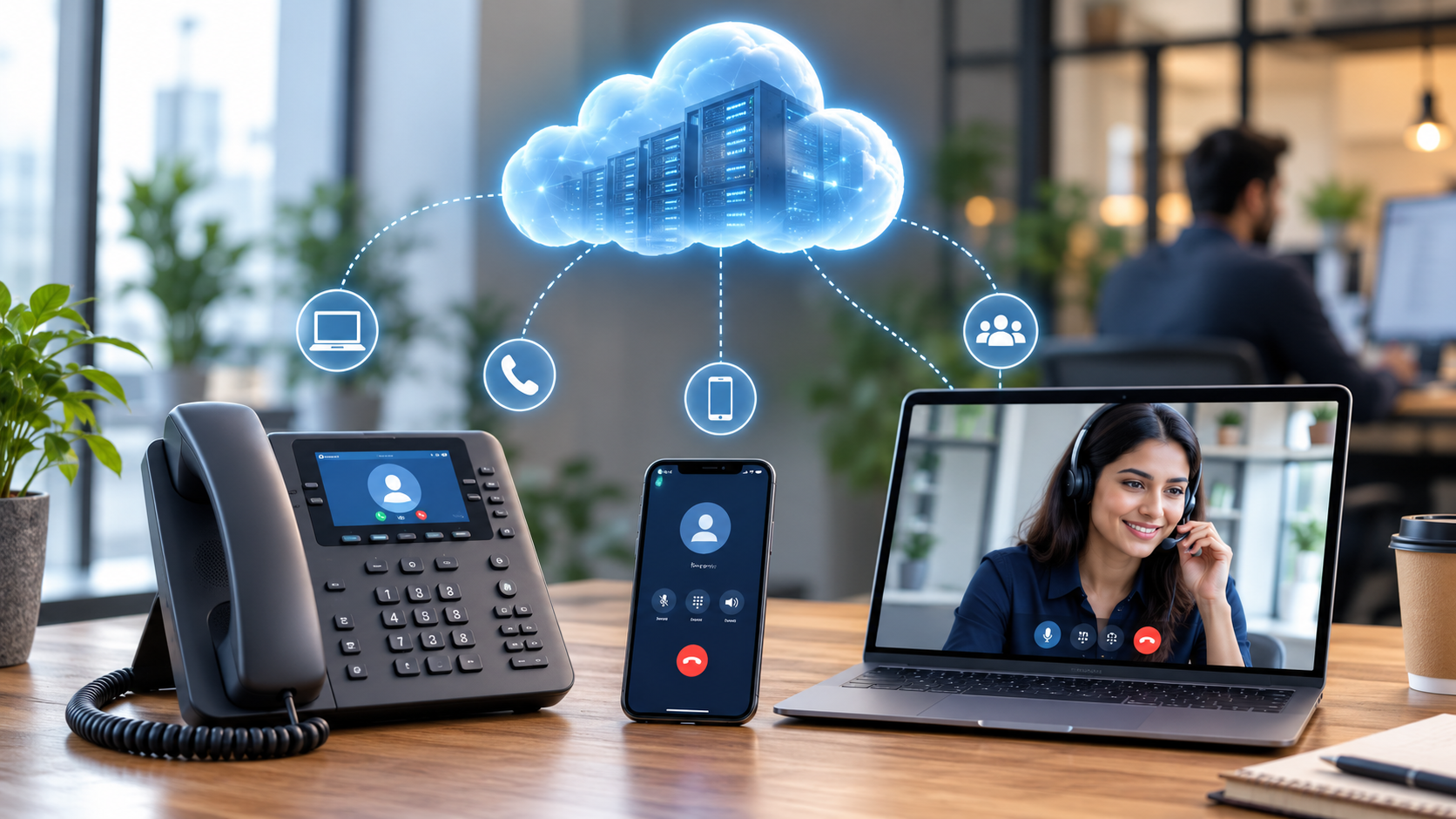
A business cloud phone system — also called cloud telephony, a hosted PBX, or a cloud-based phone system — replaces a company’s physical phone lines and on-premise PBX hardware with calling delivered entirely over the internet. Instead of a phone closet full of equipment, call routing, voicemail, and call recording all happen on a provider’s remote servers, and staff make and receive calls from desk phones, laptops, or mobile apps wherever they have an internet connection.
This guide explains how these systems technically work, what regulatory requirements apply, what they cost, and how to evaluate providers — with sourced references throughout.
What Is a Business Cloud Phone System?
A cloud-based phone system is a VoIP-powered business phone service that delivers calls, voicemail, and related communications over the internet instead of copper phone lines. It functions like a traditional Private Branch Exchange (PBX) — offering extensions, call routing, and an auto-attendant — except the “brains” of the system live in the provider’s off-premises data centers rather than in company-owned hardware.
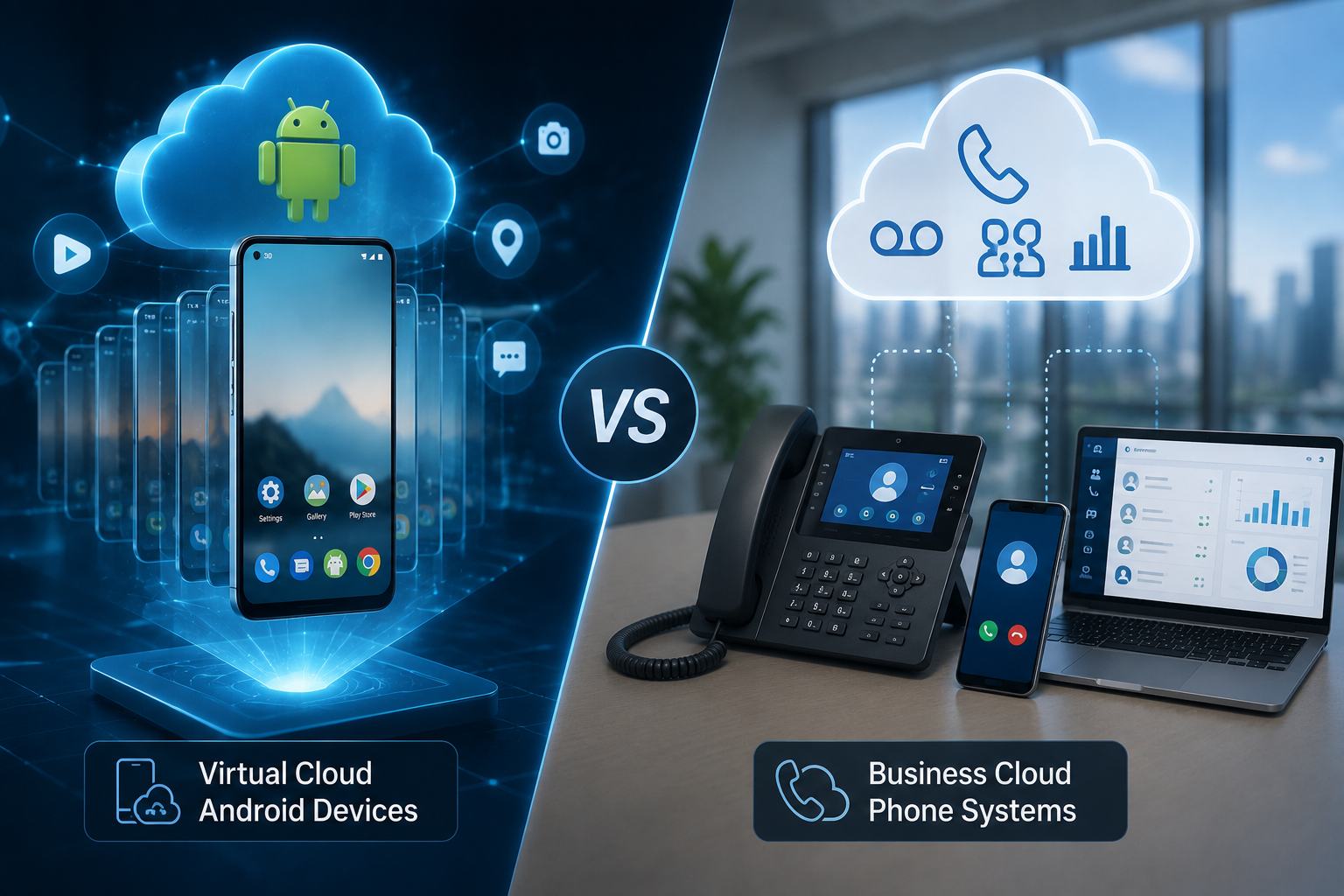
This is distinct from a “cloud phone” in the sense of a virtual Android device used for app testing or social media management — that’s a different product category covered in a separate article. Here, “cloud phone” refers specifically to a business calling/PBX platform.
Because carriers are actively retiring the old copper-based Public Switched Telephone Network (POTS), and because cloud systems offer more flexibility and features, businesses are moving to cloud/VoIP telephony at a rapid pace.
How Cloud Phone Systems Work
1. Voice-to-data conversion. A cloud phone system uses Voice over Internet Protocol (VoIP) to convert analog voice into digital packets that travel over the same broadband connection used for browsing and email, rather than over dedicated copper phone lines.
2. SIP signaling. Most systems rely on the Session Initiation Protocol (SIP) to set up, manage, and end calls. Think of a SIP trunk as a virtual phone line traveling over the internet in place of a physical copper wire; it connects an organization’s phone system to the provider’s network and, from there, to the traditional telephone network (PSTN) for calls to non-VoIP numbers.
3. Codecs and bandwidth. Voice is compressed by a codec before transmission — G.711 (higher quality, more bandwidth) and G.729 (lower bandwidth, compressed) are the most common. As a rule of thumb, each simultaneous call needs roughly 80–100 kbps of bandwidth, so a business running many concurrent calls needs to size its internet connection accordingly.
4. Quality of Service (QoS). Because voice is sensitive to network conditions, cloud phone systems perform best when a business configures QoS rules that prioritize voice packets over other traffic. Excess jitter (audio arriving out of order) above roughly 30 ms, or delay above about 150 ms, is where call quality noticeably degrades, and voice over IP can tolerate only limited packet loss before calls start to break up.
5. Encryption. Reputable providers secure calls with TLS for call signaling and SRTP for the actual audio stream, protecting against eavesdropping and toll fraud.
6. Failover and redundancy. Because call control lives off-site, most providers route calls through geographically redundant data centers, so a local outage or hardware failure doesn’t necessarily take the phone system down — a contrast with a single on-premise PBX box that itself becomes the point of failure.
Core Features of Cloud Phone Systems
- Inbound/outbound calling with local, toll-free, and often international numbers
- Auto-attendant and multi-level call routing (IVR)
- Voicemail, including voicemail-to-email/text transcription
- Call recording, call queues, and hold music
- SMS/text messaging and business fax
- Team chat and video conferencing bundled into “unified communications” (UCaaS) plans
- CRM and helpdesk integrations (Salesforce, HubSpot, Zendesk, etc.)
- Increasingly, AI features — AI receptionists, real-time transcription, sentiment analysis, and automated call summaries are now common on mid-tier and higher plans.
Benefits
- No on-premise hardware to maintain. Removes the cost and complexity of a physical PBX box, associated wiring, and on-site maintenance visits.
- Scales with headcount. Adding or removing a “line” is typically a few clicks in an admin portal rather than a hardware provisioning project.
- Works from anywhere. Calls can ring simultaneously on a desk phone, a laptop softphone, and a mobile app, which suits hybrid and distributed teams.
- Built-in redundancy. Multi-data-center architectures and automatic rerouting reduce the risk of a single point of failure compared with legacy on-premise systems.
- Bundled features. Auto-attendants, call analytics, and CRM integrations that used to require separate systems are often included in a single subscription.
Limitations and Risks
- Internet dependency. Call quality is only as good as the underlying connection; congested or asymmetric (low-upload) connections cause clipping, delay, or dropped calls.
- Ongoing subscription cost. Per-user, per-month pricing is recurring rather than a one-time hardware purchase, and costs scale with headcount and add-ons.
- Hidden fees and add-ons. Several providers gate features like call recording, CRM integrations, or advanced routing behind higher tiers, so entry-level pricing can understate the real cost once a business needs those features.
- Security exposure. Because signaling and audio travel over the internet, cloud phone systems require proper encryption, network segmentation, and provider-side fraud monitoring — protections that need to be verified, not assumed.
- Regulatory obligations. Emergency-calling compliance (see below) falls partly on whoever installs and manages the system, which is a responsibility many businesses underestimate when migrating from a legacy PBX.
E911 and Legal Requirements in the US
Cloud phone systems in the United States are legally required to support enhanced 911 calling under two federal rules, both administered by the FCC:
- Kari’s Law requires that any multi-line telephone system (MLTS) allow users to dial 911 directly, without needing to dial a prefix like “9” for an outside line, and that a designated point — such as a front desk or security office — be notified whenever a 911 call is placed from the system.
- Section 506 of RAY BAUM’s Act requires that a “dispatchable location” — a validated street address plus floor, suite, or room detail — be automatically transmitted to the 911 call center (PSAP) with every emergency call, so first responders can find the caller quickly even in a large office, campus, or multi-floor building.
Both rules, adopted by the FCC in August 2019 and codified in 47 CFR Part 9, apply broadly to IP-based systems, cloud-hosted VoIP, traditional PBX, and hybrid systems — including outbound-only systems. They matter especially for hybrid and remote teams, since a remote employee’s cloud extension needs to convey their actual location on a 911 call, not the headquarters’ address by default. Some states have layered on additional MLTS/E911 requirements on top of the federal rules, so it’s worth checking state-level obligations as well.
What Does a Cloud Phone System Cost?
Pricing is typically quoted per user, per month, and varies by feature tier:
| Provider | Entry-level (per user/month, annual billing) | Notes |
|---|---|---|
| Zoom Phone | ~$10 | Cheapest widely cited entry tier |
| Microsoft Teams Phone | ~$15 (add-on) | Best value if already on Microsoft 365 |
| Nextiva | ~$15–19 | Rated a top VoIP provider by G2 for 2026 |
| 8×8 | ~$15–20 | Strong for international/unlimited global calling on higher tiers |
| Ooma Office | ~$19.95–29.95 | Popular with small, brick-and-mortar businesses; no-contract |
| RingCentral | ~$20–35 | Most extensive third-party integrations (300+) |
Figures above are illustrative starting prices gathered from provider and comparison-site listings in 2026 and change frequently; always confirm current pricing directly with the provider, since add-ons (call recording, CRM integration, extra countries, contact-center features) commonly push the effective cost higher than the advertised entry tier.
How to Choose a Cloud Phone System
- Map features to actual needs. A solo consultant needs a professional number and voicemail; a 50-person sales team needs CRM integrations, call recording, and analytics; a global company needs multi-country unlimited calling.
- Check bandwidth and network readiness. Confirm your office/remote connections have sufficient upload bandwidth and support QoS configuration before migrating, especially for larger concurrent-call volumes.
- Verify E911 and compliance support. Ask providers directly how they handle dispatchable location for remote and multi-site users, and whether Kari’s Law notification is built in.
- Compare hidden costs. Look past the advertised entry price to what recording, CRM integration, and toll-free minutes cost on top.
- Test call quality before committing. Most providers offer trials; test during your actual peak usage hours and network conditions, not just in isolation.
- Review contract terms. Some providers require annual contracts to hit their lowest advertised price; others (e.g., Ooma) are explicitly no-contract.
Frequently Asked Questions
Is a cloud phone system the same as VoIP?
VoIP (Voice over Internet Protocol) is the underlying technology that converts voice into data packets sent over the internet. A cloud phone system is a complete business communications product — built on VoIP — that also includes hosted PBX features like auto-attendants, extensions, and call routing.
Do I need special hardware?
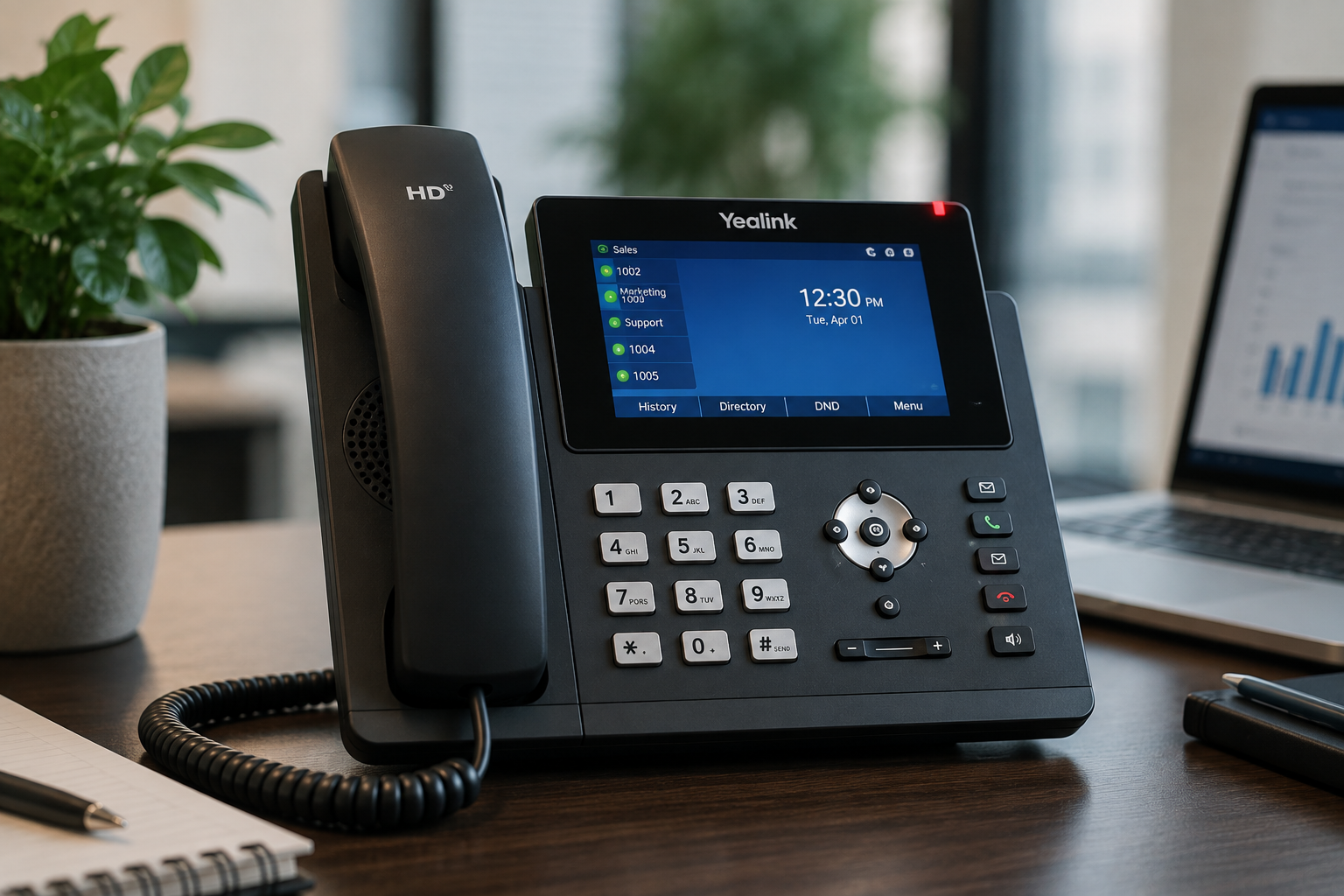
No dedicated PBX hardware is required; calls can be made from a softphone app on a computer or smartphone. Many providers also offer or support compatible desk IP phones for offices that want a traditional physical handset.
How much bandwidth do I need?
As a general guideline, budget roughly 100 kbps of bandwidth per simultaneous call, then add headroom for other office internet use, and ensure QoS is configured so voice traffic is prioritized over other traffic.
Is a cloud phone system secure?
Security depends heavily on provider configuration and the business’s own network setup. Encrypted signaling (TLS) and encrypted audio (SRTP), network segmentation, and fraud monitoring are the baseline protections to look for.
Can I keep my existing phone numbers?
Most providers support number porting from a previous carrier or PBX, though the exact process and timeline vary by provider — it’s worth asking about port timelines before committing to a migration date.
Sources and Further Reading
- Aircall, “A Guide to Cloud Phone Systems for Businesses in 2026”
- Business.com, “Cloud-Based Phone Systems: How They Work, Pros & Cons”
- 8×8, “What is a Cloud Phone System & How Does It Work?”
- Nextiva, “Top Cloud Phone System for Businesses”
- GetVoIP, “Top 10 Cloud Phone Systems – Expert Guide for 2026”
- CloudTalk, “What Is SIP Trunking? How It Works, Benefits & Setup”
- VoIPstudio, “VoIP and Trunk SIP: Key Concepts and Features”
- Federal Communications Commission, “911 and E911 Services”
- Bandwidth, “What Is RAY BAUM’s Act? Dispatchable Location Information, Explained”
- Intrado, “State & Federal E911 / MLTS Regulations”
- GetVoIP, “RingCentral vs Nextiva: Head-to-Head Comparison (2026)”