Virtual Cloud Android Devices vs. Business Cloud Phone Systems: What’s the Difference?
Search for “cloud phone” and you’ll get two completely different products in the results: virtual Android devices hosted on remote servers, and internet-based business calling systems that replace office PBX hardware. They share a name and a “the phone lives in the cloud, not in your hand” premise, but beyond that, they solve different problems for different people. This article lays out exactly how they differ, who each one is actually for, and how to tell which one you need.
The Short Answer
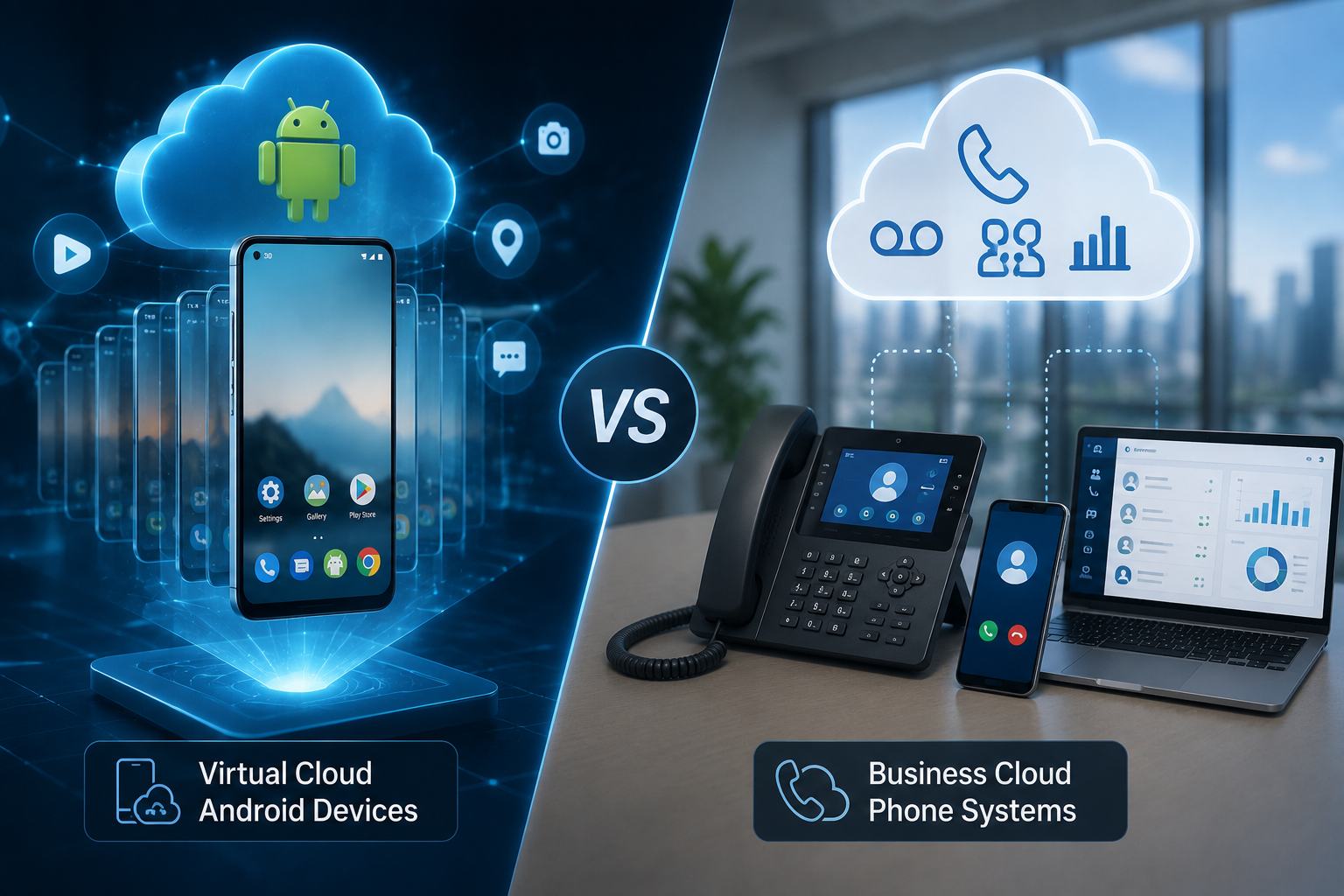
- A virtual cloud Android device (Alibaba Cloud Phone, GeeLark, VMOS Cloud, Redfinger, DuoPlus, AWS Device Farm) is a full Android operating system running on a remote ARM server that you control remotely — used for app testing, cloud gaming, multi-account social media management, and automation.
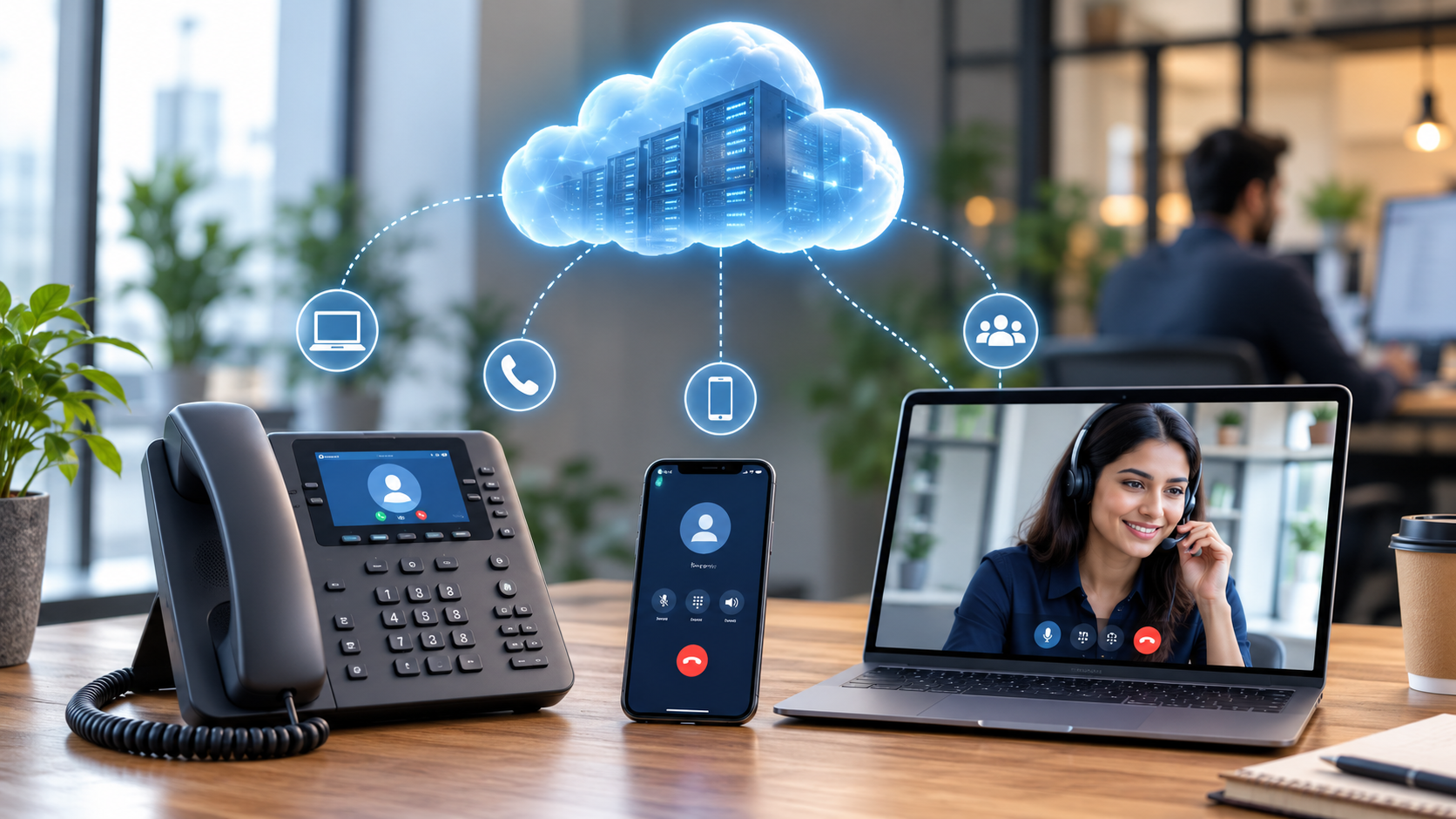
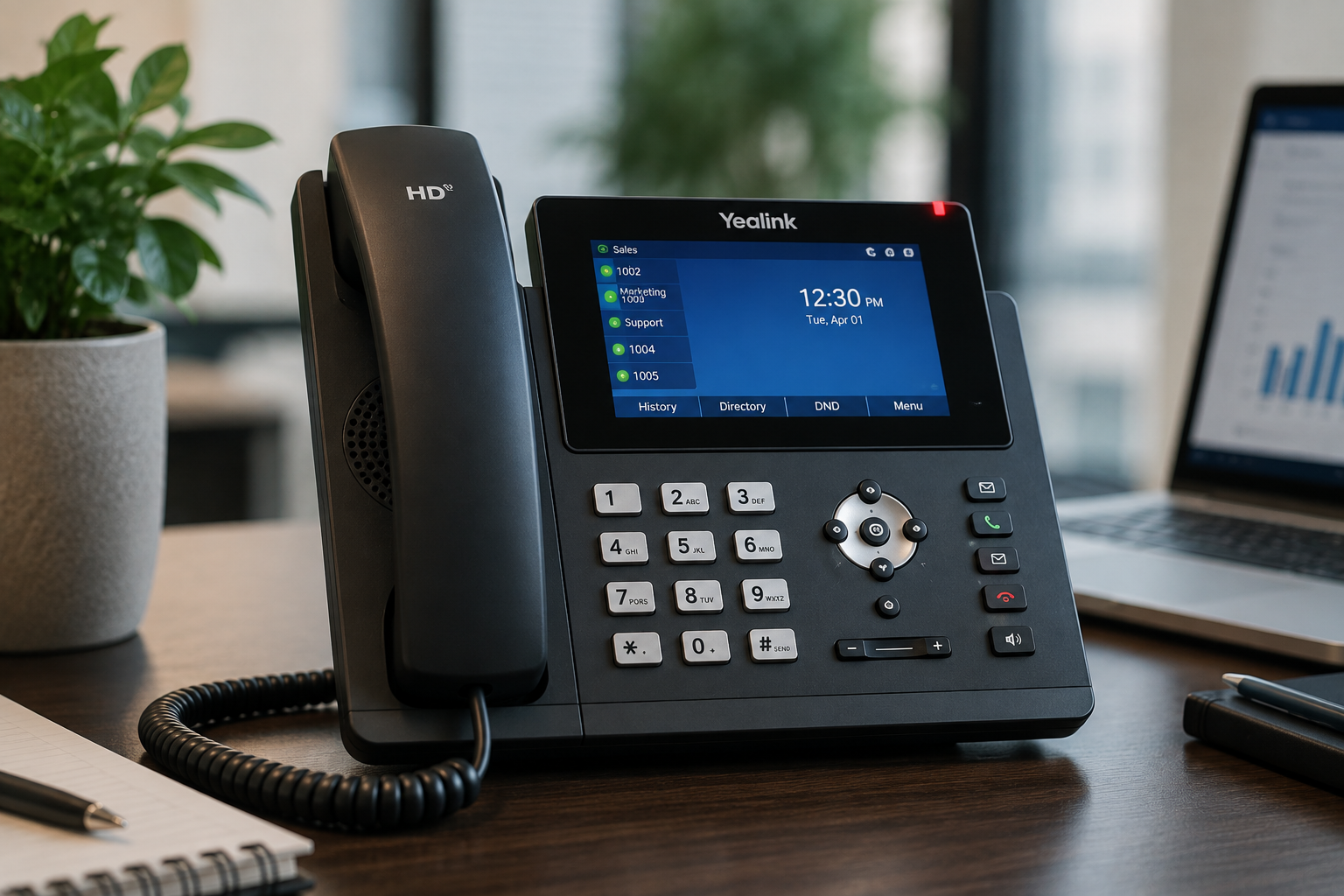
- A business cloud phone system (RingCentral, Nextiva, 8×8, Ooma, Zoom Phone) is a VoIP-based hosted PBX — a calling and communications service that replaces a company’s phone lines and on-premise phone hardware.
One gives you a remote device; the other gives you a remote calling service. Neither is a replacement for the other.
Side-by-Side Comparison
| Virtual Cloud Android Device | Business Cloud Phone System | |
|---|---|---|
| What it actually is | A full Android OS instance running on a remote ARM server, streamed to your screen | A VoIP/hosted-PBX calling service delivered over the internet |
| What you interact with | A live, controllable Android interface (apps, home screen, touch input) via video/input streaming | A softphone app, desk phone, or mobile app placing and receiving calls |
| Core technology | ARM virtualization/hypervisors, adaptive video streaming protocols | SIP signaling, VoIP codecs (G.711/G.729), TLS/SRTP encryption |
| Primary users | App developers/QA teams, gaming companies, marketing/e-commerce agencies, social media managers | Any business needing office or team phone service |
| Typical use cases | Multi-account management, app testing across OS versions, cloud gaming, unattended live streaming | Inbound/outbound calling, auto-attendants, voicemail, call center operations |
| Runs real phone calls over PSTN/cellular numbers? | Not inherently — it’s an Android environment, not a telecom service | Yes — this is its core function |
| Main compliance concern | Platform terms-of-service (fake accounts, automation, coordinated behavior) | Federal/state emergency-calling law (Kari’s Law, RAY BAUM’s Act) |
| Typical pricing model | ~$4–$20 per instance/month for consumer-oriented plans; enterprise testing platforms priced per device-minute or flat monthly | ~$10–$35 per user/month, tiered by feature set |
| What can go wrong | Account bans for ToS violations, device-fingerprint detection, app/DRM incompatibility | Poor call quality from bandwidth/network issues, hidden add-on fees, E911 misconfiguration for remote staff |
Why the Confusion Happens
Both products borrow the same reassuring cloud-computing pitch — “no hardware to buy, access it from anywhere, scale up or down instantly” — and both use “phone” loosely (an Android smartphone environment vs. a telephone service). Marketing copy on both sides leans on words like “virtual,” “remote,” and “cloud-hosted,” which makes them easy to conflate in a quick search. The giveaway is usually the verb: virtual cloud Android platforms talk about running apps, streaming a device, and managing accounts; cloud phone systems talk about making calls, routing, and voicemail.
When You Need a Virtual Cloud Android Device
Choose this category if your actual need involves running Android apps or managing device-based accounts, not making phone calls:
- Testing an app across many Android OS versions and screen sizes without buying a device lab (AWS Device Farm, BrowserStack, Genymotion)
- Streaming graphics-intensive mobile games to lower-spec hardware (Alibaba Cloud’s gaming-oriented Cloud Phone)
- Running and managing many separate, isolated social media or e-commerce accounts (GeeLark, VMOS Cloud, Redfinger, DuoPlus)
- 24/7 unattended live streaming or automation workflows
- Giving remote staff access to a company-controlled Android environment without issuing physical hardware
The trade-offs here are network-dependent responsiveness, the possibility of platform detection if the device is used to violate a service’s terms (e.g., mass fake accounts), and app compatibility gaps where hardware attestation or DRM checks fail on virtualized instances.
When You Need a Business Cloud Phone System
Choose this category if your need is a working telephone line for your business — inbound customer calls, outbound sales calls, or internal extensions:
- Replacing an aging on-premise PBX and copper phone lines as POTS is phased out
- Giving a distributed or hybrid team a single business number that rings on desk phones, laptops, and mobile apps
- Adding call center features — call queues, auto-attendants, call recording, CRM integration
- Supporting multi-country calling for a global team
The trade-offs here are internet-bandwidth dependency for call quality, recurring per-seat subscription costs that scale with headcount, and legal obligations around emergency calling (Kari’s Law and RAY BAUM’s Act in the US) that fall on whoever installs and manages the system — a responsibility that gets more complex with remote and multi-site staff.
Can They Work Together?
Yes, and in a modern remote-first company they often coexist without overlapping: a cloud Android device might run a company’s mobile app testing suite or manage its social media presence, while a completely separate cloud phone system (RingCentral, Nextiva, 8×8, etc.) handles the company’s actual customer and sales calls. They sit in different parts of the tech stack — one is closer to IT/QA/marketing operations, the other is closer to core business communications infrastructure.
Quick Decision Guide
- “I need to test my app on different Android versions.” → Virtual cloud Android device (app-testing platform).
- “I need to manage 20 social media accounts without getting flagged.” → Virtual cloud Android device (multi-account platform), with the caveat that platform ToS compliance is still on you.
- “I need my sales team to make and receive calls from anywhere.” → Business cloud phone system.
- “I’m replacing my office’s old phone system.” → Business cloud phone system.
- “I want to stream mobile games without a powerful phone.” → Virtual cloud Android device (cloud gaming platform).
- “I need auto-attendants, voicemail, and call recording for customer support.” → Business cloud phone system.
Frequently Asked Questions
Does a business cloud phone system run on Android?
No. It’s a calling/PBX service accessed through apps or IP desk phones; the underlying technology is VoIP and SIP, not a virtualized Android operating system.
Can a virtual cloud Android device make real phone calls?
It can run calling and messaging apps (like WhatsApp or Telegram) the same way a physical Android phone would, but it isn’t inherently a telecom service and typically isn’t the tool of choice for a business’s primary phone line or E911-compliant calling.
Which one is more expensive?
It depends on scale and use case. A single cloud Android instance can be cheaper per month than a single business phone seat, but a marketing operation running dozens of cloud phone instances can cost more overall than a small team’s VoIP plan — compare based on your actual instance/seat count, not the per-unit price alone.
Is either option riskier from a compliance standpoint?
They carry different risks. Cloud Android devices carry platform terms-of-service risk (account bans for prohibited automation or fake-account behavior). Business cloud phone systems carry regulatory risk (E911/emergency-calling compliance under US federal and state law). Neither risk profile applies to the other category.
Sources and Further Reading
- Alibaba Cloud, “What is Cloud Phone”
- Multilogin, “Cloud Phone: What It Is and How It Works”
- GeeLark, “Phone Farm vs Cloud Phone: What’s the Better Choice in 2026?”
- Meta, Community Standards — Spam
- X Help Center, “Authenticity policy”
- Aircall, “A Guide to Cloud Phone Systems for Businesses in 2026”
- 8×8, “What is a Cloud Phone System & How Does It Work?”
- CloudTalk, “What Is SIP Trunking? How It Works, Benefits & Setup”
- Federal Communications Commission, “911 and E911 Services”
- GetVoIP, “Top 10 Cloud Phone Systems – Expert Guide for 2026”