


Alienware 16 vs 18: Which Gaming Laptop Should You Buy in 2026?
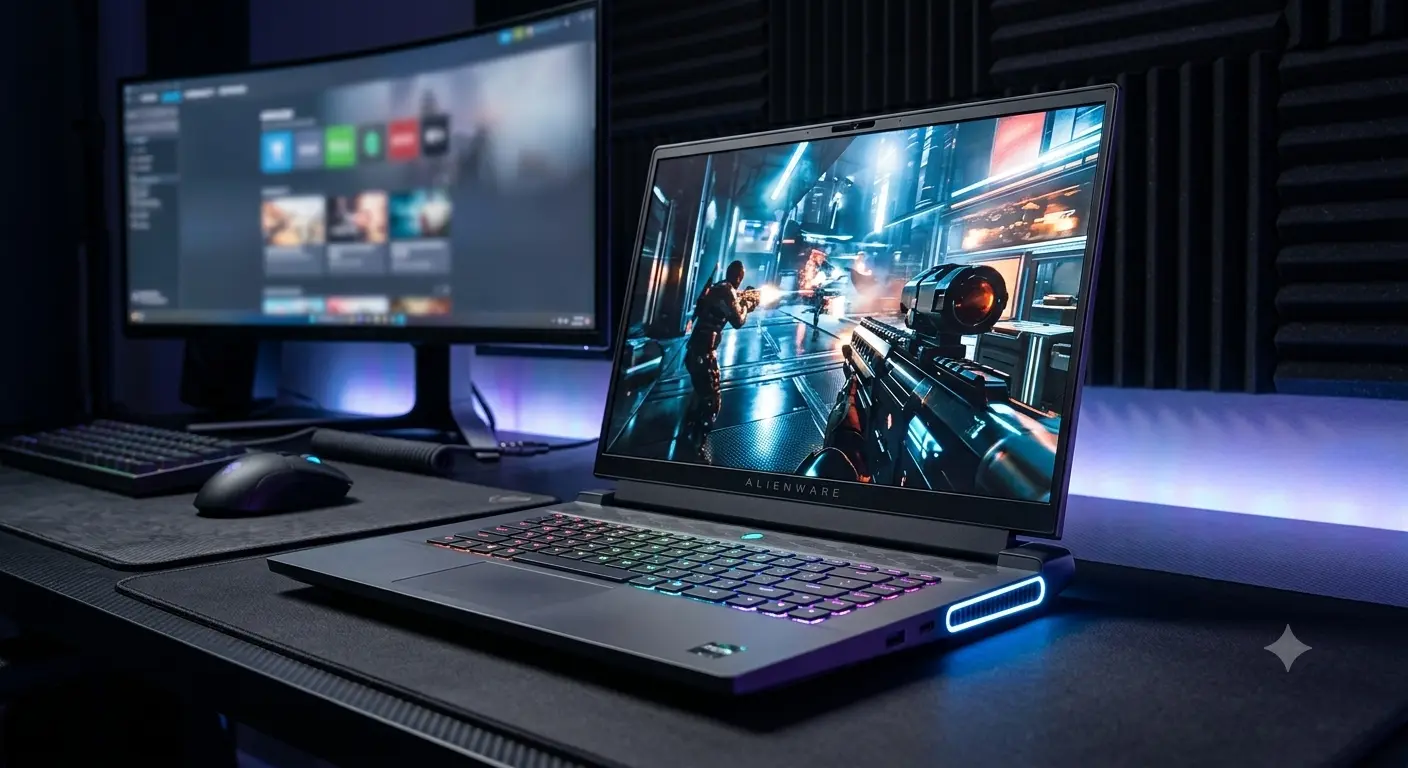
Choosing between a 16-inch and an 18-inch gaming laptop is one of the most critical decisions you will make when shopping Dell’s premium Alienware lineup. On paper, both form factors offer cutting-edge processors, high-wattage NVIDIA GeForce graphics, and premium Legend 3.0 build quality.
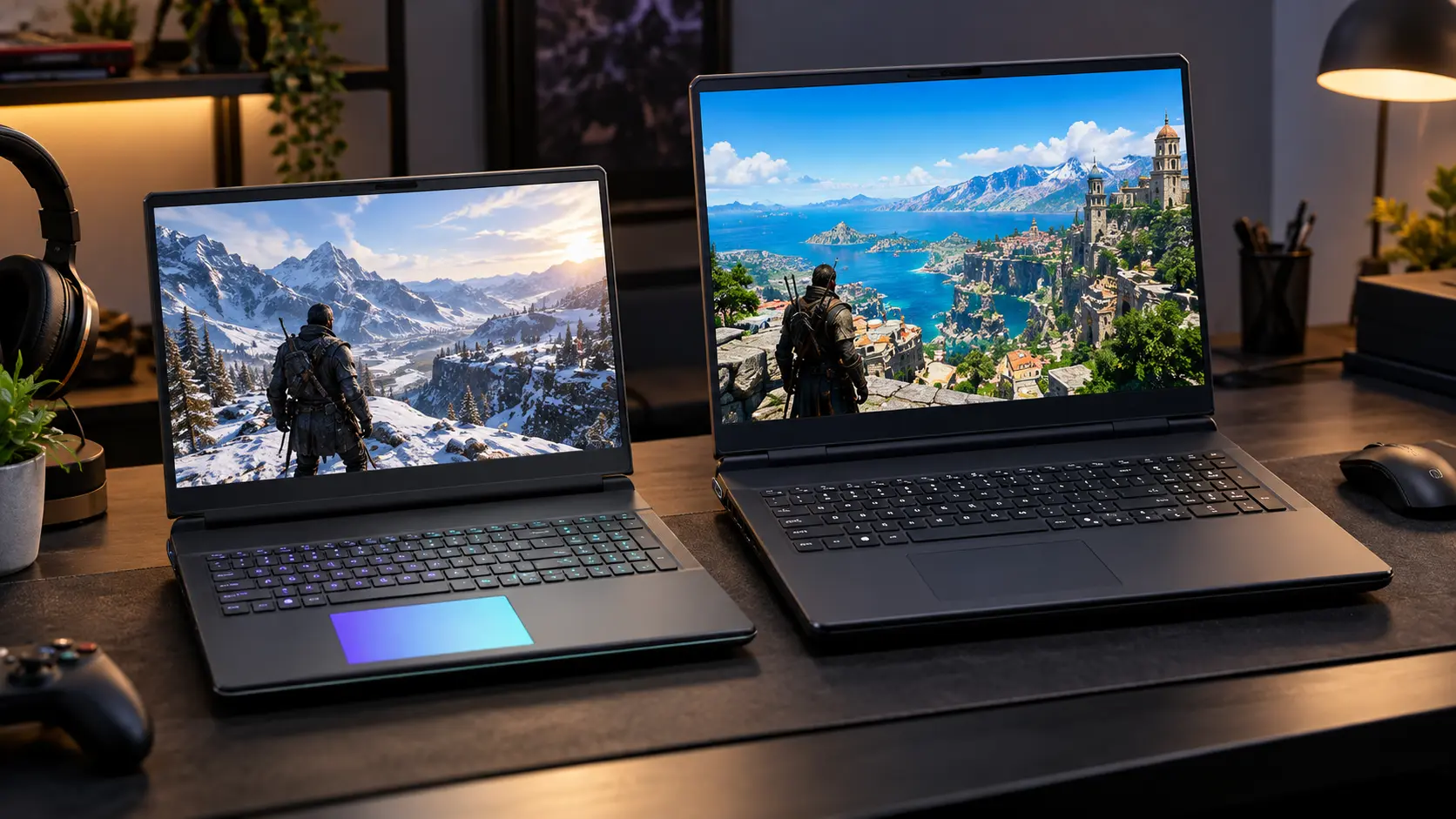
However, in real-world use, these two screen sizes represent fundamentally different computing experiences. The 16-inch class is designed for gamers and creators who need high performance in a chassis that still fits into a standard backpack. The 18-inch class is an uncompromised desktop replacement built to deliver maximum Total Graphics Power (TGP) and massive screen real estate at the cost of mobility.
To make matters more complex, Dell has updated its lineup architecture over recent years. Older models like the m16 R1, x16 R1, and vintage M18x series are now discontinued, leaving buyers to navigate between current models and secondhand legacy inventory.
This comprehensive comparison guide breaks down the core differences in thermal headroom, gaming frame rates, portability, display specs, and pricing to help US buyers pick the perfect Alienware rig.
Quick Verdict: Best Choice by User Profile
| User Profile | Recommended Form Factor | Key Target Model | Primary Reason |
|---|---|---|---|
|
Hybrid Worker / Student Gamer
|
16-inch
|
Alienware m16 R2
|
Clean flush hinge, Stealth Mode hotkey, and lightweight
portability for daily travel.
|
|
Max 1440p / 1600p Value Gamer
|
16-inch
|
Alienware 16 Aurora
|
Exceptional performance-per-dollar ratio running
high-wattage RTX 4060/4070 GPUs.
|
|
Uncompromised Desktop Replacement
|
18-inch
|
Alienware 18 Area-51
|
Maximum sustained TGP power limits, quad-fan Cryo-Tech cooling,
and 18-inch immersion.
|
|
Heavy 3D Creator & 4K Streamer
|
18-inch
|
Alienware 18 Area-51 (Core Ultra 9)
|
Peak multi-threaded CPU clock rates, up to 64GB DDR5,
and multi-drive NVMe storage arrays.
|
Lineup Overview: Current vs. Discontinued Models
Before comparing specs, it is vital to know which Alienware models are currently sold new by Dell US and which are legacy hardware primarily found on secondhand or outlet markets.
16-Inch Alienware Models
- Legacy / Discontinued:
- Alienware m16 R1 (Discontinued): Known for its heavy rear thermal hump and high weight (7+ lbs). Retires in favor of sleeker designs.
- Alienware x16 R1 (Discontinued): Alienware’s initial ultra-thin 16-inch luxury model with rear RGB stadium lighting.
- Current / Recent (Primary Focus):
- Alienware m16 R2: Fully redesigned chassis without the rear thermal shelf. Features an ultra-portable footprint, upgradeable RAM, and a “Stealth Mode” key for workplace discretion.
- Alienware x16 R2: Premium all-metal chassis with soldered high-speed LPDDR5X RAM, quad-fan cooling, and high-wattage graphics up to RTX 4090.
- Alienware 16 Aurora & 16X Aurora: Mainstream performance configurations optimized for price-to-performance value.
- Alienware 16 Area-51: High-wattage 16-inch option bringing enthusiast cooling features to the smaller footprint.
For a deep dive into individual 16-inch configurations, check out our complete Alienware 16 guide.
18-Inch Alienware Models
- Legacy / Discontinued:
- Alienware M18x R1 & M18x R2 (Discontinued): Iconic dual-GPU behemoths from 2011–2012. These are strictly vintage collector items today and cannot run modern games or OS updates effectively.
- Current / Recent (Primary Focus):
- Alienware 18 Area-51: Dell’s flagship 18-inch desktop replacement. Features full-wattage Intel Core Ultra HX processors, RTX 40-Series / RTX 50-Series GPUs, quad-fan Cryo-Tech cooling, and up to four M.2 SSD slots.
To learn more about Dell’s flagship 18-inch desktop replacement, read our complete Alienware 18 guide.
Core Differences: Alienware 16 vs. Alienware 18
+---------------------------------------------------------------------------------+
|                               FORM FACTOR COMPARISON                            |
+------------------------------------+--------------------------------------------+
|        Alienware 16-Inch           |            Alienware 18-Inch               |
+------------------------------------+--------------------------------------------+
| - ~5.75 lbs (2.6 kg)               | - ~8.5 - 9.0 lbs (3.8 - 4.1 kg)            |
| - Standard Backpack Friendly       | - Requires Oversized / Specialty Bag       |
| - Up to 140W - 175W TGP GPU        | - Sustained 175W+ Max-TGP GPU Delivery     |
| - 5.5 - 7 Hours Office Battery     | - 3.5 - 4.5 Hours Office Battery           |
| - Compact 16:10 QHD+ Display       | - Massive 18" 16:10 Immersive Display      |
+------------------------------------+--------------------------------------------+
1. Performance Ceiling & Thermals
While both size classes offer high-end Intel Core Ultra CPUs and NVIDIA GeForce RTX graphics, the Alienware 18 Area-51 holds a clear advantage in thermal dissipation.
Its larger internal volume allows for a massive vapor chamber, broader heatsink surface area, and four high-velocity fans. This thermal headroom enables the GPU to maintain its maximum 175W+ Total Graphics Power limit continuously without thermal throttling, while pushing higher combined CPU+GPU wattage states under heavy combined workloads.
The 16-inch models (especially the m16 R2) deliver outstanding performance for their size, but thermal limits require slightly tighter power management during extended multi-hour gaming sessions.
2. Display Immersion & Workspace
- Alienware 16: Features a 16-inch 16:10 QHD+ (2560×1600) display at 240Hz. It provides crisp pixel density, fast response times, and 11% more vertical space than traditional 15.6-inch screens.
- Alienware 18: Features an expansive 18-inch 16:10 QHD+ display with 100% DCI-P3 color coverage. The extra screen area makes a massive difference in immersive AAA titles (Cyberpunk 2077, Flight Simulator) and provides desktop-like workspace for editing multi-track video timelines without an external monitor.
3. Portability & Footprint
- Alienware 16: Weighing around 5.75 lbs (2.61 kg), the redesigned m16 R2 fits comfortably into standard 15-inch laptop sleeves and backpacks. It is ideal for daily commutes to work, school, or LAN events.
- Alienware 18: Weighing 8.5 to 9.0 lbs (3.8 to 4.1 kg) plus a hefty power adapter, the 18 Area-51 is a heavy machine. It is designed for desk-to-desk mobility rather than carrying on your back all day.
4. Battery Life Expectations
Neither laptop is a thin-and-light ultrabook, but the Alienware m16 R2 leads in battery efficiency thanks to its integrated Stealth Mode. In light productivity tasks with RGB disabled and integrated graphics active, the m16 R2 lasts 5.5 to 7 hours.
By contrast, the Alienware 18 Area-51 powers an oversized backlight and high-power system board, delivering around 3.5 to 4.5 hours of light office work.
Performance & Gaming Expectations
FPS Expectations at Native 1600p (2560x1600) High/Ultra Settings

Alienware 16 (RTX 4070 / 140W TGP):
[████████████████████░░░░░░░░] 75 - 95 FPS (AAA Games w/ DLSS)

Alienware 18 (RTX 4090 / RTX 5080 / 175W+ TGP):
[████████████████████████████] 120 - 150+ FPS (AAA Games w/ DLSS)
- 1080p & 1440p/1600p Gaming: Both 16-inch and 18-inch models easily crush competitive esports titles (Valorant, Counter-Strike 2, Apex Legends) at 200+ FPS. For AAA games at 1600p, an RTX 4070-equipped Alienware 16 delivers smooth 75–95 FPS averages.
- 4K Gaming & Ray Tracing: If you plan to output to an external 4K TV/monitor or want maxed-out Ray Tracing in path-traced titles, the higher VRAM buffers (16GB+) and maximum TGP of the Alienware 18 Area-51 (RTX 4090 / RTX 5080 / RTX 5090) make it the superior choice.
- Content Creation Workloads: For 4K video editing, 3D rendering in Blender, or local AI model execution, the 18 Area-51 offers superior multi-drive NVMe storage expansion (up to 4 slots) and better long-term thermal stability during multi-hour render exports.
Who Should Buy Alienware 16?
The 16-inch form factor is tailored for users who need a balance between high-end gaming performance and everyday mobility. Explore full configuration details in our full Alienware 16 breakdown.
- Students & Campus Gamers: Needs a single device that can take notes in quiet lectures (using Stealth Mode) and run high-refresh AAA games in the dorm room.
- Traveling Professionals: Frequently works from hotel rooms, coffee shops, or client offices, needing a laptop that fits into standard travel luggage.
- Value-Focused 1440p Gamers: Wants high frame rates in modern titles without spending over $2,200 on ultra-enthusiast desktop replacement hardware.
Who Should Buy Alienware 18?
The 18-inch class is built for enthusiasts who refuse to compromise on mobile performance. Read detailed thermal and spec testing in our Alienware 18 Area-51 guide.
- Desktop Replacement Seekers: Gamers replacing a bulky desktop PC who want an all-in-one rig that moves easily between desks or rooms.
- Max FPS & 4K Enthusiasts: Gamers who demand maxed-out graphics settings, full Ray Tracing, and high frame rates at native 1600p or external 4K resolutions.
- Heavy Creators & Streamers: Editors and 3D artists who require maximum multi-core CPU clock rates, high VRAM capacity, and multiple NVMe SSD expansion slots.
Side-by-Side Lineup Comparison Matrix
| Specification / Feature | Alienware 16 (Current Models) | Alienware 18 Area-51 (Current) | Legacy Models (m16 R1, x16 R1, M18x) |
|---|---|---|---|
|
Market Status
|
Current / Active
|
Current / Active Flagship
|
Discontinued / Legacy
|
|
Typical CPU Tiers
|
Intel Core Ultra 7 155H / Ultra 9
|
Intel Core Ultra 7 265HX / Ultra 9 285HX
|
13th Gen Intel / AMD 7000 / Vintage CPUs
|
|
Typical GPU Tiers
|
RTX 4060 / 4070 / 4080 (140W–175W)
|
RTX 4080 / 4090 / RTX 5080 / 5090 (175W+)
|
RTX 40-Series (Legacy) / Vintage SLI
|
|
Display Options
|
16" 16:10 QHD+ (2560×1600) 240Hz
|
18" 16:10 QHD+ 165Hz/300Hz DCI-P3
|
Legacy 16:9 / 16:10 Older Panels
|
|
Weight Range
|
5.75 – 6.0 lbs (2.6 – 2.7 kg)
|
8.5 – 9.0 lbs (3.8 – 4.1 kg)
|
7.2 – 12.0+ lbs (3.3 – 5.5 kg)
|
|
Battery Life (Office)
|
5.5 – 7.0 Hours (Stealth Mode)
|
3.5 – 4.5 Hours
|
1.5 – 3.0 Hours
|
|
Approx. Price Range (USD)
|
$1,350 – $2,399
|
$2,399 – $3,899+
|
$350 – $1,350 (Refurbished/Used)
|
|
Best For
|
Portability, school, balanced 1440p gaming
|
Uncompromised desktop power, 4K, 3D work
|
Secondhand project budgets & collectors
|
Recommended Configurations by Budget
Pricing shown in USD reflects typical US market street prices and seasonal sales on Dell US and major US retailers.
1. Best Overall Value (16-Inch)
- Recommended Model: Alienware m16 R2
- Key Specs: Intel Core Ultra 7 155H, NVIDIA RTX 4060 / 4070 (8GB VRAM), 16GB DDR5 RAM (Upgradeable), 1TB NVMe SSD, 240Hz QHD+ Display.
- Price Range: $1,399 – $1,699 USD
- Why It Wins: Delivers the best balance of price, modern redesign, stealthy aesthetics, and high-refresh 1440p/1600p gaming performance. Learn more in our Alienware 16 buying guide.
2. High-End Performance per Dollar (16-Inch Premium)
- Recommended Model: Alienware x16 R2 / 16 Area-51
- Key Specs: Intel Core Ultra 9, NVIDIA RTX 4080 (12GB VRAM), 32GB LPDDR5X/DDR5 RAM, 1TB/2TB NVMe SSD, 240Hz DCI-P3 Display.
- Price Range: $2,199 – $2,599 USD
- Why It Wins: Premium all-metal construction paired with high-wattage RTX 4080 graphics for gamers who want flagship power in a sleek 16-inch chassis.
3. No-Compromise Performance (18-Inch Desktop Replacement)
- Recommended Model: Alienware 18 Area-51
- Key Specs: Intel Core Ultra 9 285HX, NVIDIA RTX 4090 / RTX 5080 (16GB VRAM), 32GB DDR5 RAM, 2TB NVMe SSD, 18″ 165Hz/300Hz QHD+ Display.
- Price Range: $2,899 – $3,399 USD
- Why It Wins: Maximum sustained GPU wattage, quad-fan Cryo-Tech thermal stability, and massive 18-inch immersion. See full specs in our Alienware 18 lineup guide.
If You’re Considering Used or Refurbished Models (m16 R1, x16 R1, M18x)
If you are evaluating secondhand or Dell Outlet inventory:
- m16 R1 / x16 R1: Only consider these discontinued 16-inch models if heavily discounted under $1,150 USD. Be mindful of the m16 R1’s significant rear weight.
- M18x R1 / R2: Strictly vintage collector items. Do not buy as a daily gaming driver due to lack of modern GPU driver support.
Common Mistakes to Avoid When Choosing Between 16 and 18
- Buying an 18-Inch Laptop for Daily Commuting: Underestimating an 9-lb laptop plus a heavy power adapter leads to buyer’s remorse if you carry it to lectures or work every day.
- Purchasing Discontinued R1 Stock at Retail Price: Third-party sellers frequently list legacy m16 R1 or x16 R1 units at original launch MSRPs. Always verify model generations before buying.
- Underestimating Memory Limits on the x16 R2: The slim x16 R2 features soldered RAM. If you buy a 16GB model, you cannot upgrade it later. Opt for 32GB upfront or choose the m16 R2 / 18 Area-51 for upgradeable SO-DIMM slots.
- Overpaying for GPU Tiers You Don’t Need: An RTX 4060 or RTX 4070 is plenty for 1080p and 1440p gaming. Only step up to RTX 4080/4090/5080 tiers if you game at 1600p Ultra with Ray Tracing or hook up to 4K external displays.
Frequently Asked Questions (FAQs)
Alienware 16 vs 18 – which is better?
Neither is universally “better”—it depends on your portability needs. The Alienware 16 is better for users who need mobility, school/office versatility, and strong 1440p value. The Alienware 18 is better for users who want maximum sustained graphics power, quad-fan cooling, and desktop-replacement immersion.
Is Alienware 18 worth the extra cost and weight?
Yes, if you treat it as a stationary desktop replacement that only moves occasionally. The extra thermal headroom allows GPUs to run at full 175W+ TGP continuously, delivering higher sustained frame rates and quieter fan operation under load.
Can Alienware 16 handle 4K gaming?
Yes, when connected to an external 4K monitor, higher-tier Alienware 16 models (RTX 4080/4090) handle 4K gaming smoothly using NVIDIA DLSS 3 Frame Generation. However, for native laptop display gaming, the 16-inch 1600p screen is the optimal sweet spot.
Are Alienware m16 R1, x16 R1, or M18x R1/R2 still good buys?
The m16 R1 and x16 R1 are decent secondhand options if priced significantly below $1,150 USD, but they lack the refined ergonomics and battery efficiency of current R2 models. The legacy M18x R1/R2 are vintage products from over a decade ago and are not recommended for modern gaming.
Summary & Decision Framework
Making your final choice comes down to a simple decision framework:
- Choose Alienware 16 if: You travel frequently, carry your laptop in a backpack, need 5+ hours of office battery life, or want the best performance-per-dollar ratio around $1,400–$1,800 USD. Check out our complete Alienware 16 guide to pick your spec.
- Choose Alienware 18 if: Your laptop lives on a desk 80% of the time, you demand maximum GPU power limits and quad-fan cooling, and you want an expansive screen for gaming and 3D creative work. Explore top specs in our complete Alienware 18 guide.